
To update your email for your Leap (formerly ShowClix) account, please follow the steps:
*This will affect all the orders under your account*
- Login to your Leap (formerly ShowClix) My Tickets account.
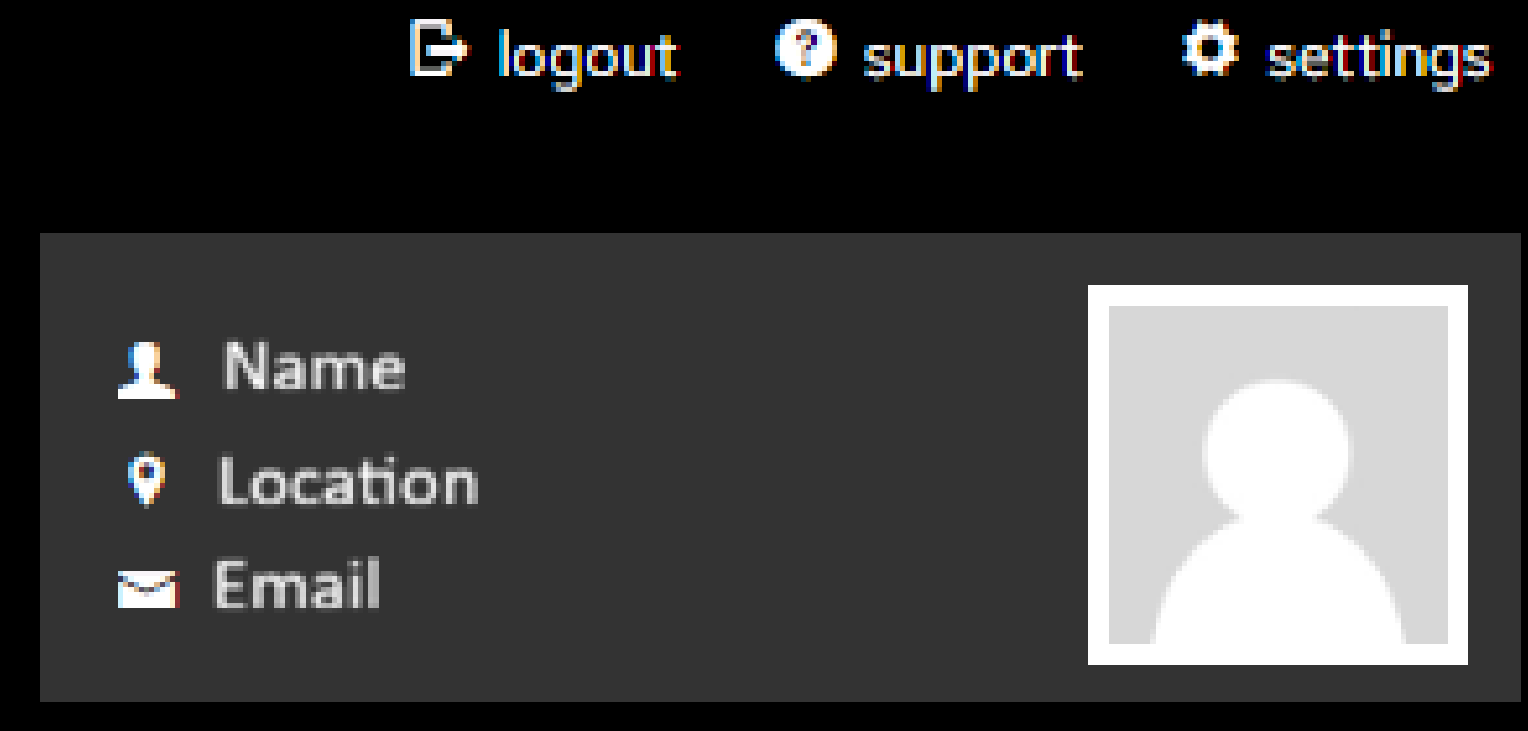
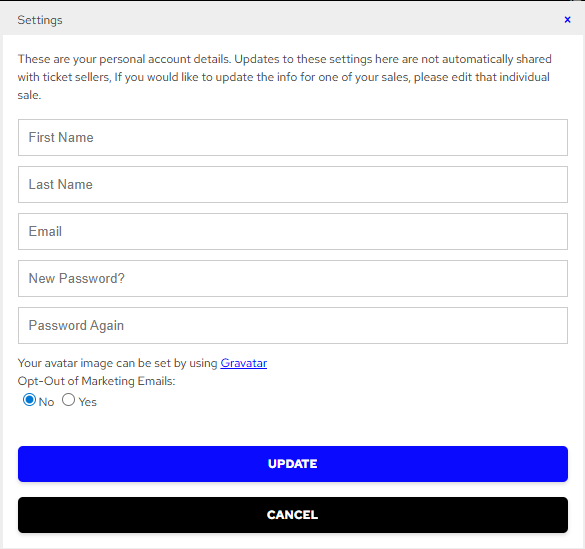
- Click on "settings" and enter the email address that you would like to update accordingly. Allow a few minutes to have the changes reflected in the account.
Note: If you have multiple Leap (formerly ShowClix) accounts and would like to merge your Leap (formerly ShowClix) accounts, please contact Leap (formerly ShowClix) Customer Support for account-related issues.